Showing posts with label Battlezone. Show all posts

Sunday 21 June 2020

Battlezone repair fluke 9010a

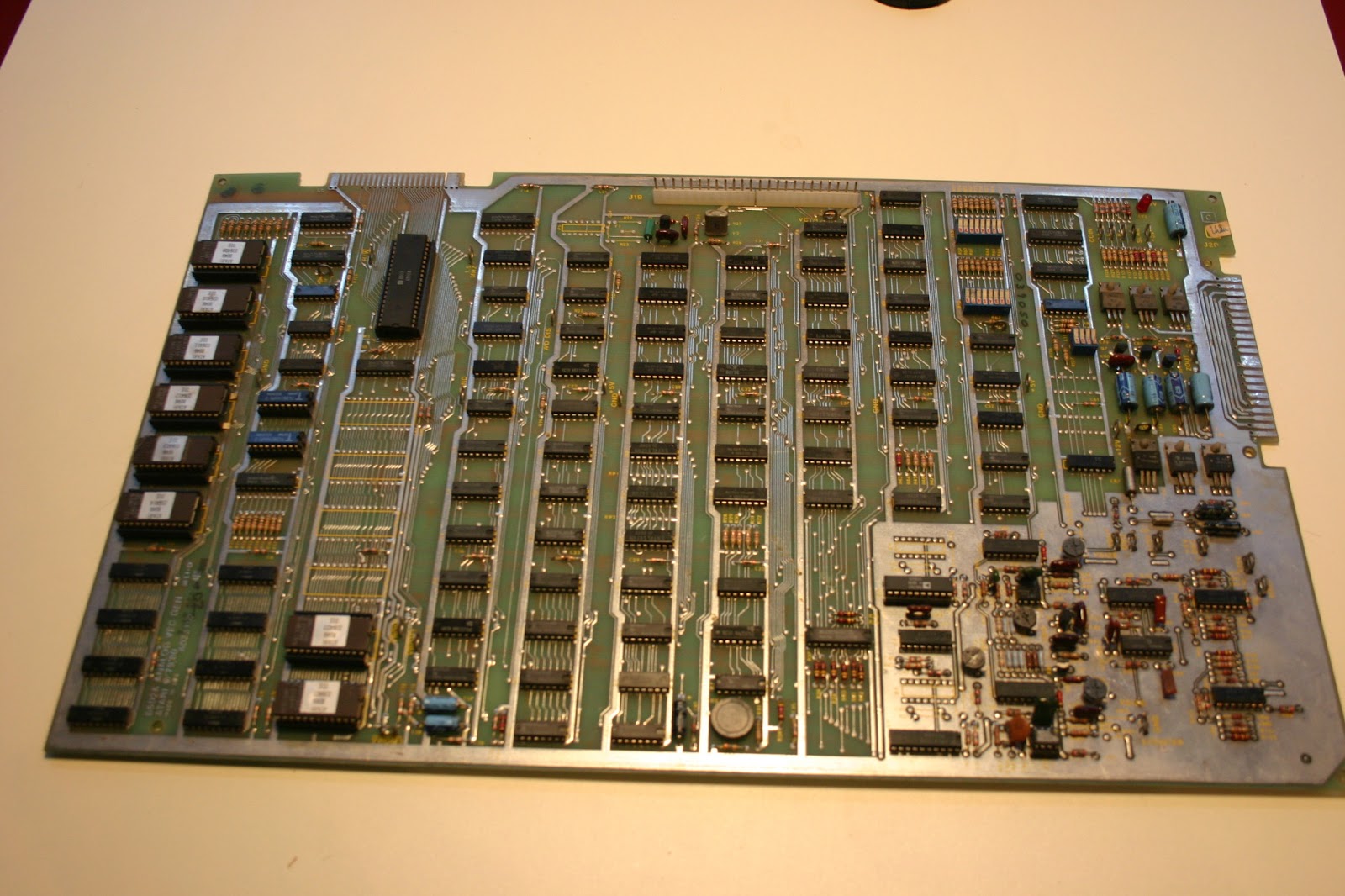
Find here some information testing a battlezone arcade pcb with a fluke 9010a. Turn active force line off in setup. 

Rom tests 

http://games.rossiters.com/manuals/Fluke/Fluke 9010a/Scripts/Atari/Battlezone/BATTLEZONE2.txt
DPY-TESTING V-ROM 03642201 A3 

   ROM TEST @ 3000-37FF SIG 6628

   DPY-TESTING V ROM 03642101 B C3

   ROM TEST @ 3800-3FFF SIG F6EA

   DPY-TESTING PGM ROM 036414a01 E1

   ROM TEST @ 5000-57FF SIG B9B1

   DPY-TESTING PGM ROM 03641301 H1

   ROM TEST @ 5800-5FFF SIG 62A4

   DPY-TESTING PGM ROM 03641201 J1

   ROM TEST @ 6000-67FF SIG E68A

   DPY-TESTING PGM ROM 03641101 K1

   ROM TEST @ 6800-6FFF SIG ECB0

   DPY-TESTING PGM ROM 03641001 L M1

   ROM TEST @ 7000-77FF SIG 5D24

   DPY-TESTING PROGRAM ROM 03640901 N1

   ROM TEST @ 7800-7FFF SIG 4CCE

RAM tests 
http://games.rossiters.com/manuals/Fluke/Fluke 9010a/Scripts/Atari/Battlezone/BATTLEZONE3.txt

H2, j2 is the program memory. 
DPY-TESTING PROGRAM RAM @ H2 J2 #

   Aux TESTING PROGRAM RAM @ H2 J2

   RAM SHORT @ 0000-03FF


   DPY-TESTING VECTOR RAM @ A1 A2 #

   Aux TESTING VECTOR RAM @ A1 A2

   RAM SHORT @ 2000-23FF


   DPY-TESTING VECTOR RAM @ B1 B2 #

   Aux TESTING VECTOR RAM @ B1 B2

   RAM SHORT @ 2400-27FF


   DPY-TESTING VECTOR RAM @ C1 C2 #

   Aux TESTING VECTOR RAM @ C1 C2

   RAM SHORT @ 2800-2BFF


   DPY-TESTING VECTOR RAM @ D1 D2 #

   Aux TESTING VECTOR RAM @ D1 D2

   RAM SHORT @ 2C00-2FFF

Test of the vector output. 
https://forums.arcade-museum.com/archive/index.php/t-405484.html
If RAM and Rom is ok, probe pins 2 through 11 of the 6012 DACs that are at the edge of the video section, while the board is in test mode. These pins are the inputs to the DACs. You should see toggling on all lines, for both DACs. 
If you do, then the vector generator is working, and one or more of the analog chips after the DACs are bad (and/or the DACs themselves, which is common), 
If the DAC inputs aren't toggling, you have issues with the vector generator section. 
Viewing output x and y on the scope. Turn on the xy mode. Connect probes to xout and yout. 

Memory Map
http://www.arcaderestoration.com/memorymap/643/Battle+Zone.aspx
Background 
https://www.jmargolin.com/vgens/vgens.htm
https://www.arcade-cabinets.com/resources.shtml
https://m.youtube.com/watch? feature=youtu.be&v=0L1eVuPAwBc
http://www.ukvac.com/forum/battlezone-dacs_topic367604.html
https://forums.arcade-museum.com/archive/index.php/t-399039.html
http://www.ukvac.com/forum/vector-arcade-machine-pre-flight-checks_topic340667.html
Tutorial for ram in circuit test 
https://www.arcade-cabinets.com/intro_to_pcb_repair/lesson5.pdf
RAM 2114 TESTER arduino 
https://www.forum64.de/index.php?thread/93195-ein-ram-tester-für-2114-rams-auf-basis-eines-arduino-nano/&postID=1429419
For reading roms use chip type 2176 generic type. 
Tests are shown here
https://youtu.be/4BmD9Sg7lIw
https://youtu.be/UIA4zLW5-1Q
https://youtu.be/ybyK9ML0HnI

Tuesday 29 January 2013

Atari Battlezone Restoration Part 12 : Screen Adjustment FAQ

I was able to adjust the picture screen in the tube. Here`s an summary what I`ve done:

Symptom : The highscore names are slanted under each other.


Action : Adjust X BIP potentiometer on Game PCB.

Symptom : The base of the mountains are under the horizont line.
Action : Adjust Y BIP potentiometer on Game PCB located lower right corner
.

Sympton : The whole picuture is slanted


Action : Carefully adjust the joke.


The joke is fixed by the scew on the picture. Do that very carefully.

Symptom  : The radar grapic does not match to the red ring of the cardbox bezel.
Action : Take a look at the red circles on the picture above. This rings can be moved. One ring adjust the X and the other the Y axis.
Remark : Look in the BW vector monitor FAQ for an on board solution.

Symptom : Picture size is to big.
Action : Adjust the X and Y size potentiometers.

Have fun

Sunday 27 January 2013

Atari Battlezone Restoration Part 11 : Debugging

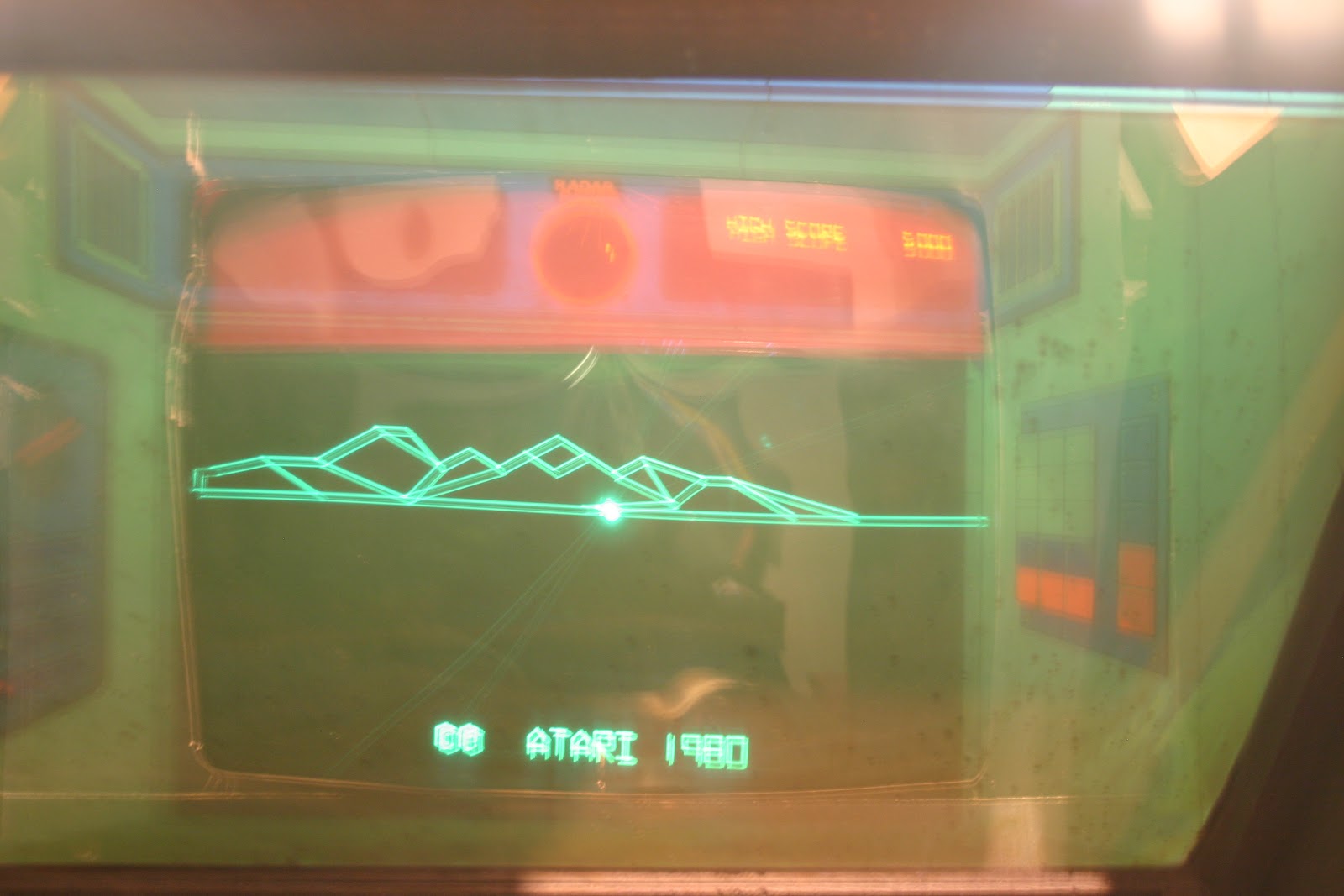
As one can see the picture is in test mode a little bit strechted. The x axis shift was gone just by adjusting the Xbip.


Friday 25 January 2013

Atari Battlezone Restoration Part 10 : Debugging

Found this picture here

But mine is looks like this

I adjusted X and Y Size, but the where does the shift come from?

Additionally the Ready-To-Play mode is missing. Most probably this is coming from a short in the Start Button.

Tuesday 22 January 2013

Atari Battlezone Restoration Part 9 : Screws, Bolts and Serial Sticker

Some parts like screws or drive-in nut was beyound repair. I`ve replaced them by screwed insert with new screws. Next time I´ll buy black ones, no worries ;)


Serial Sticker, production in Ireland
I`ve replaced the Keylock in the back door.

Time to play.

Work left : Coin Mechanism, because the attract mode is just awesome.

Sunday 20 January 2013

Atari Battlezone Restoration Part 8 : Sidearts

Dirty Side
Clean Side

Atari Battlezone Restoration Part 7 : Mirror, Color overlay foil, cardbox bezel

Find here some pics about the cleaning process for the halftransparent mirror, Cardbox Bezel and overlay foil. I`m sure that there was some unkown species in this cab.


+

Atari Battlezone Restoration Part 6 : Panel

 Finally I`ve repaired the CPO. Parts missing was
- Stick Unit right and Cone Button

This is the Microswitch with LED for the cone button.
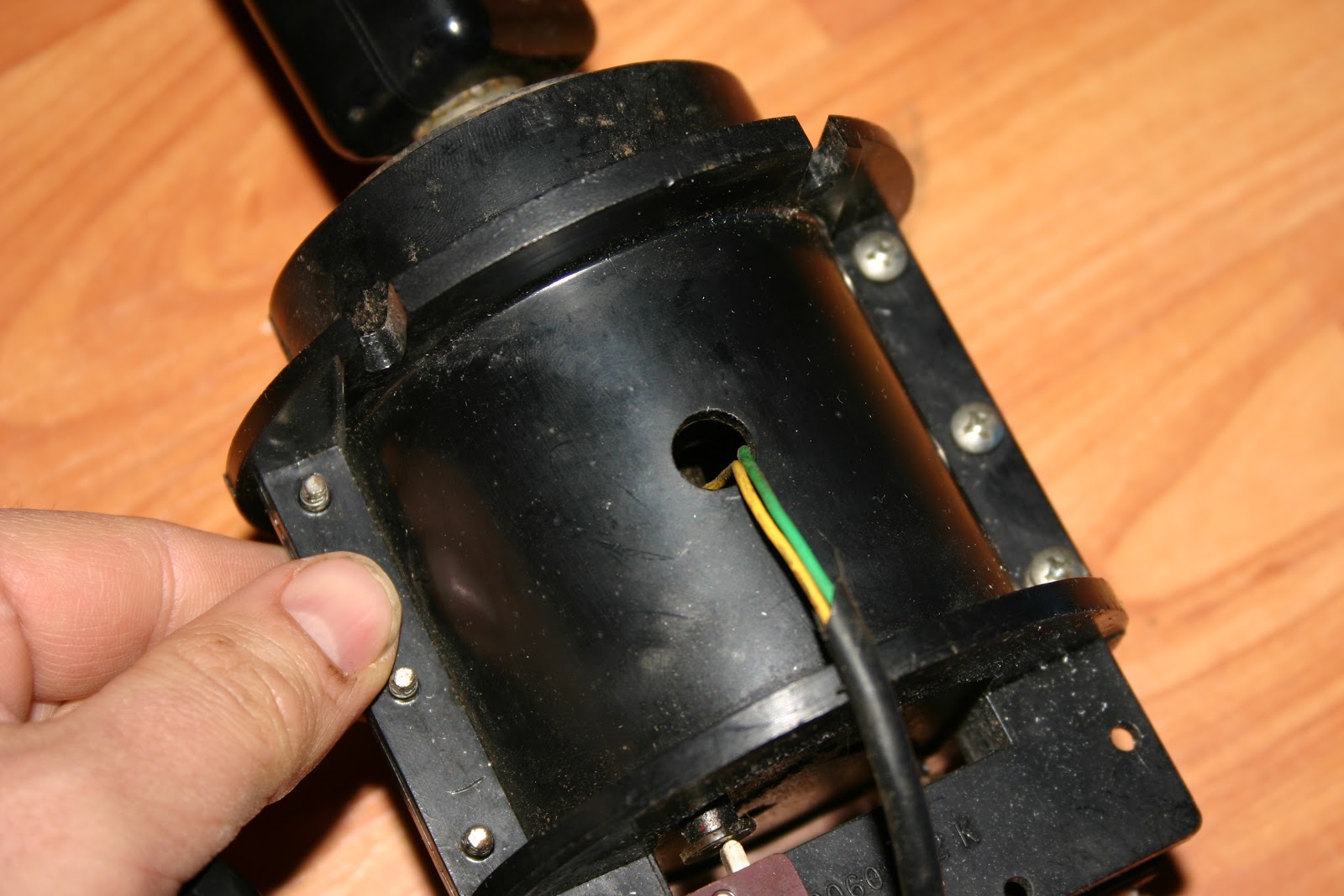
 This is the spare stick unit.


 This was the starting point.
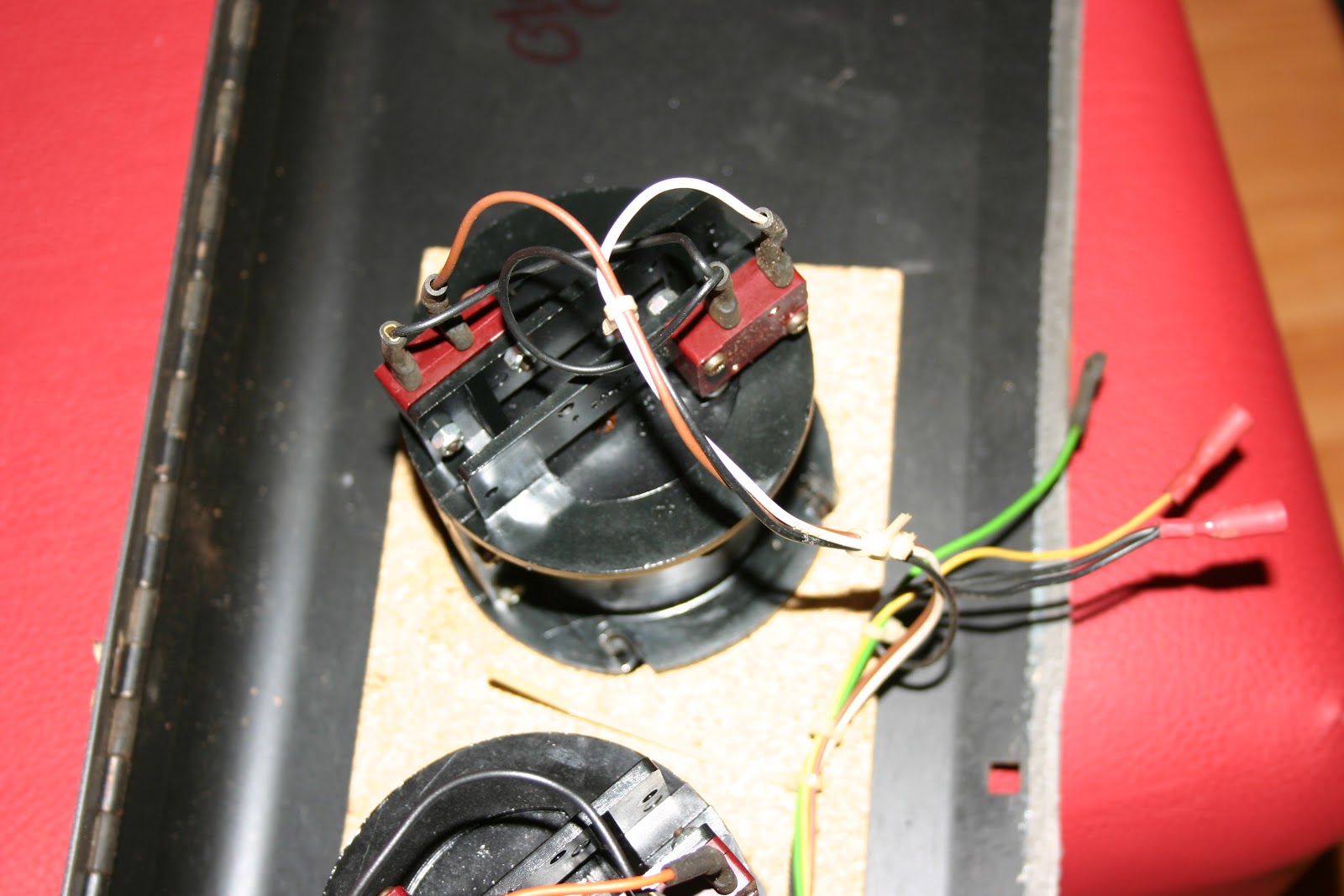
Harness for Atari Cone Button


I`ve took lots of pics for the connection to document the harness and pinout of the control. Maybe it helps someone.


Cheers

Tuesday 15 January 2013

Atari Battlezone Restoration Part 5 : The Chassis Final and Control Panel

Finally I got it work. All elkos 2,2uF on C500-503 showed an ESR value above of 5Ohm, so I replaced them. Additionally I resolders all connectors and THT parts which was showing cold solder points.

Further I desoldered all transistors on the 7xx line, because the pic was showing problems in the horizontal deflection on x axle. I`ve tested them with the transistor tester DAC 55 and all of them was fine.

Next I replaced 2n3792 and 2N3716 on the chassis cage. Don't forget to screw them.